CatalystWatch
An AI agent that explains why crypto moves, and says so when it does not know
What it does
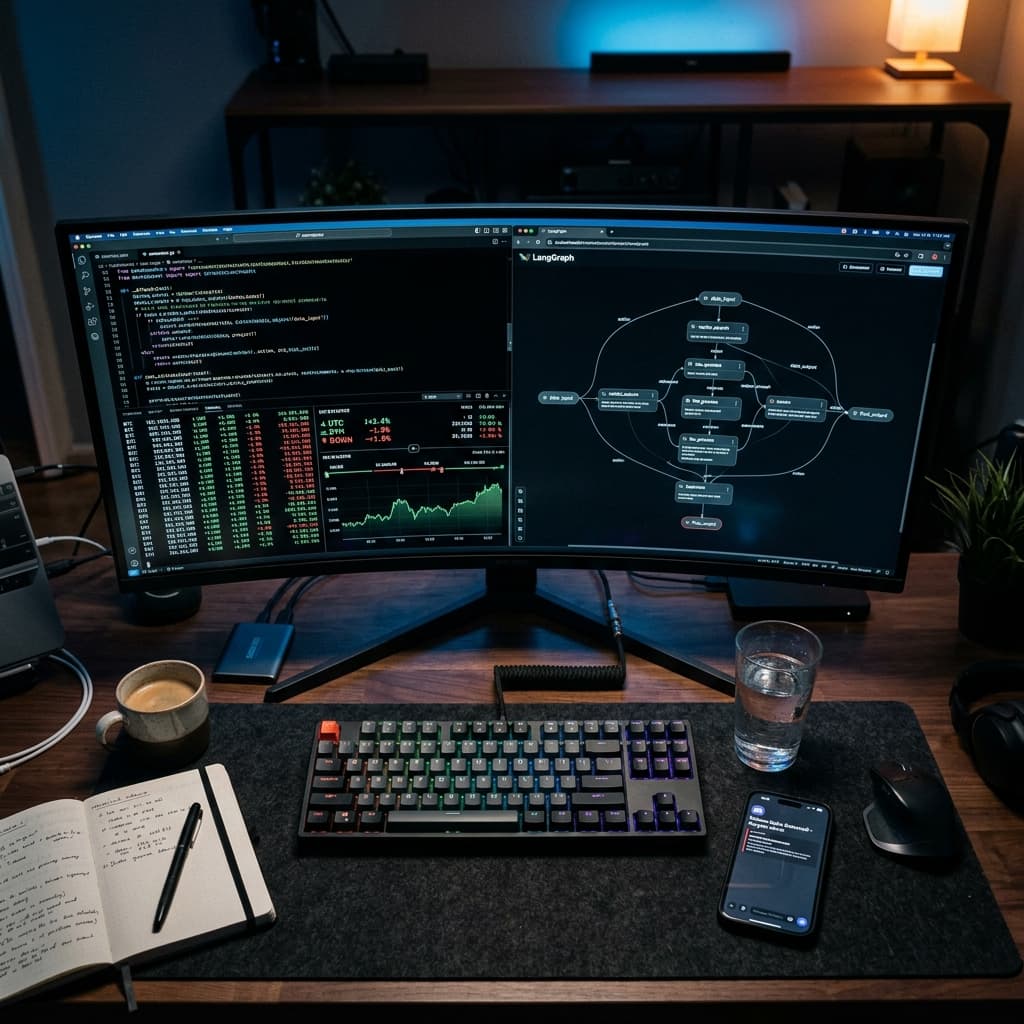
CatalystWatch is an autonomous monitoring agent that finds significant catalysts (volume spikes and price anomalies) across the crypto market. It combines concurrent web scraping, stateful AI reasoning with LangGraph, real news grounding and real time alerting to explain why markets are moving.
Read the full write-up: CatalystWatch, the AI agent that explains why crypto moves.
Features
- Concurrent scraping. Playwright scrapes multiple coins at once, cutting cycle time by 80%.
- Agentic reasoning. LangGraph and Gemini 2.5 Flash analyze market context and explain movements.
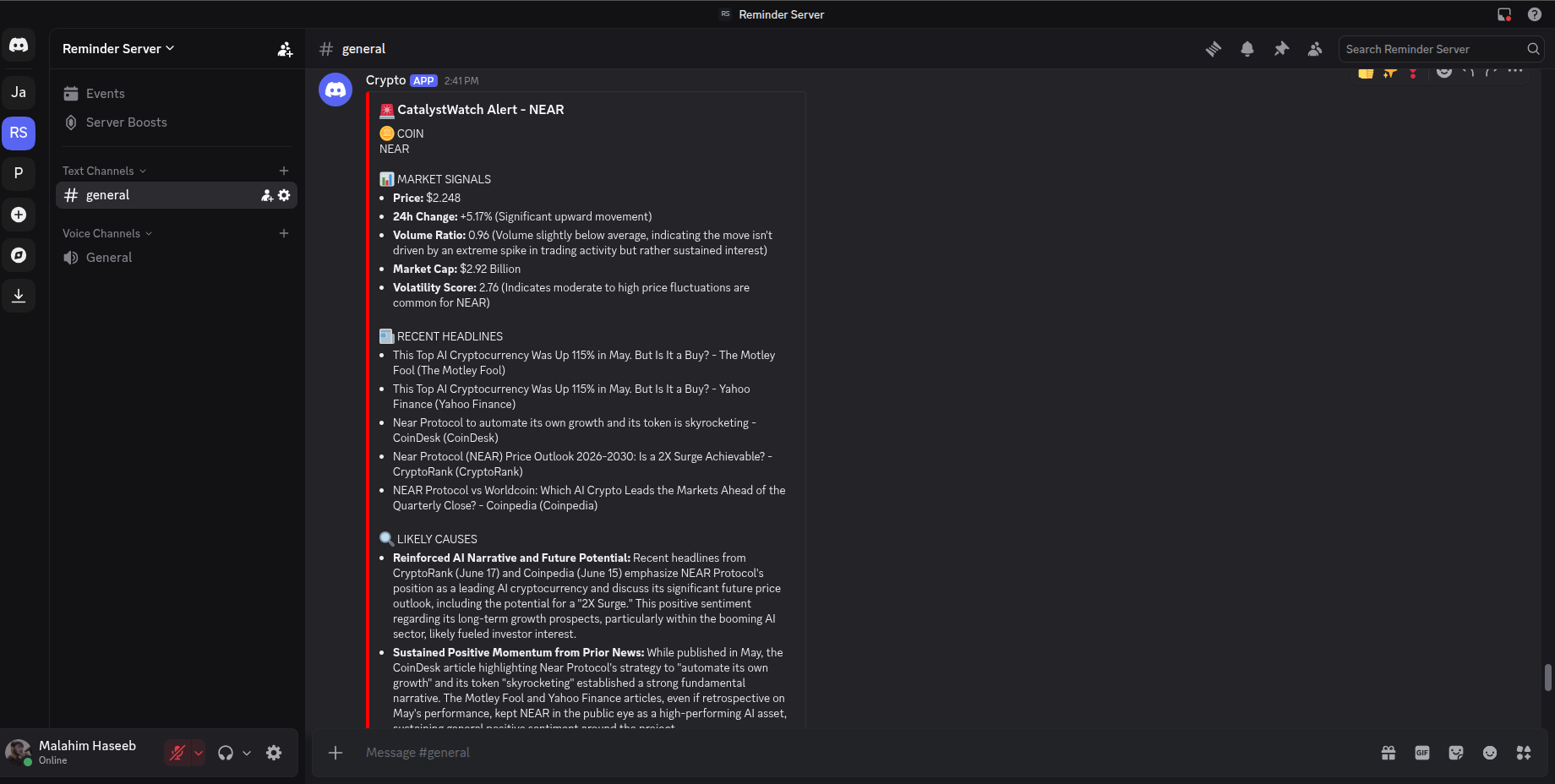
- News grounded analysis. Headlines come from Google News RSS with no API key, so the likely causes are based on real news. When no relevant headline is found, the agent flags low confidence instead of making a cause up.
- Smart storage. MongoDB with compound indexing and automatic TTL cleanup.
- Self healing alerts. Discord notifications with exponential backoff and rate limit handling, plus a fallback alert if the AI step fails.
- Structured reports. Market signals, recent headlines and AI driven confidence scores.
Example alert
This is a real alert sent to Discord. The agent identifies the catalyst, runs the analysis and gives a confidence score based on the data points.
Quick start
Linux and macOS
cd CatalystWatch
chmod +x setup.sh
./setup.sh
Windows (PowerShell)
python -m venv .venv
.\.venv\Scripts\Activate.ps1
pip install -r requirements.txt
python -m playwright install chromium
Environment variables
Create a .env file in the project root:
MONGODB_URI="your_mongodb_connection_string"
DATABASE_NAME="CatalystWatch"
GEMINI_API_KEY="your_google_ai_api_key"
DISCORD_WEBHOOK_URL="your_discord_webhook_url"
Run it
source .venv/bin/activate
python3 -m app.main
Get a Discord webhook
- Create a private Discord server if you do not have one.
- Open the settings of the channel where you want alerts.
- Go to Integrations, then Webhooks.
- Click New Webhook, name it, and copy the webhook URL.
Customization
Change the tracked coins in app/config/coins.py:
COINS = ["bitcoin", "ethereum", "solana"]
Change how many snapshots are kept per coin in app/storage/cleanup.py:
MAX_SNAPSHOTS_PER_COIN = 200
If a coin slug is too generic to search well, add a better search term to SEARCH_TERM_OVERRIDES in app/context/news.py.
Project structure
app/
  agents/      LangGraph and LLM logic
  config/      App settings and coin list
  context/     Market stats and free news headlines
  detectors/   Anomaly detection
  scraper/     Concurrent Playwright scraper
  storage/     MongoDB and cleanup
  main.py      Entry point
For educational and research purposes only. The scraper may violate the terms of service of some websites, nothing here is financial advice, and data can lag or be inaccurate.